Visual assets
← Documentation home · Documentation maintenance · Repository maps
Keep public media accessible and separate from runtime data. The catalog includes the finished promotional film and its maintenance guide. The separate product-tour recipe below does not reproduce this film.
Current assets
| Asset | Purpose |
|---|---|
| Repository maps | Five annotated subsystem diagrams with links to implementation |
| Diagram source | Editable Mermaid blocks and the shared rendering profile |
| Public listing example | Sanitized discovery example, not evidence of acceptance |
| Project identity | Current project logo |
| Earlier internship identity | Historical logo retained for reference |
| Light preview · Dark preview | Directory previews in light and dark themes |
| Promotional film | 51-second, 1920 × 1080, 60 fps product film with soundtrack |
| Promotional contact sheet | Fourteen stills covering the film; a static, no-motion overview |
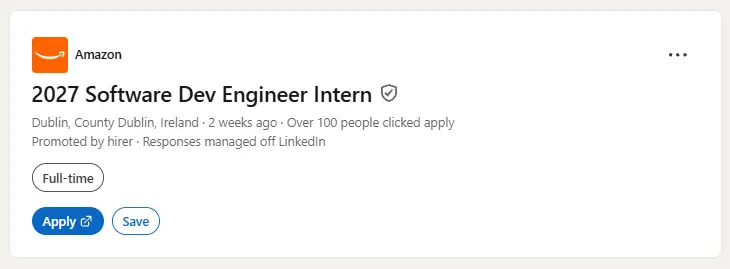


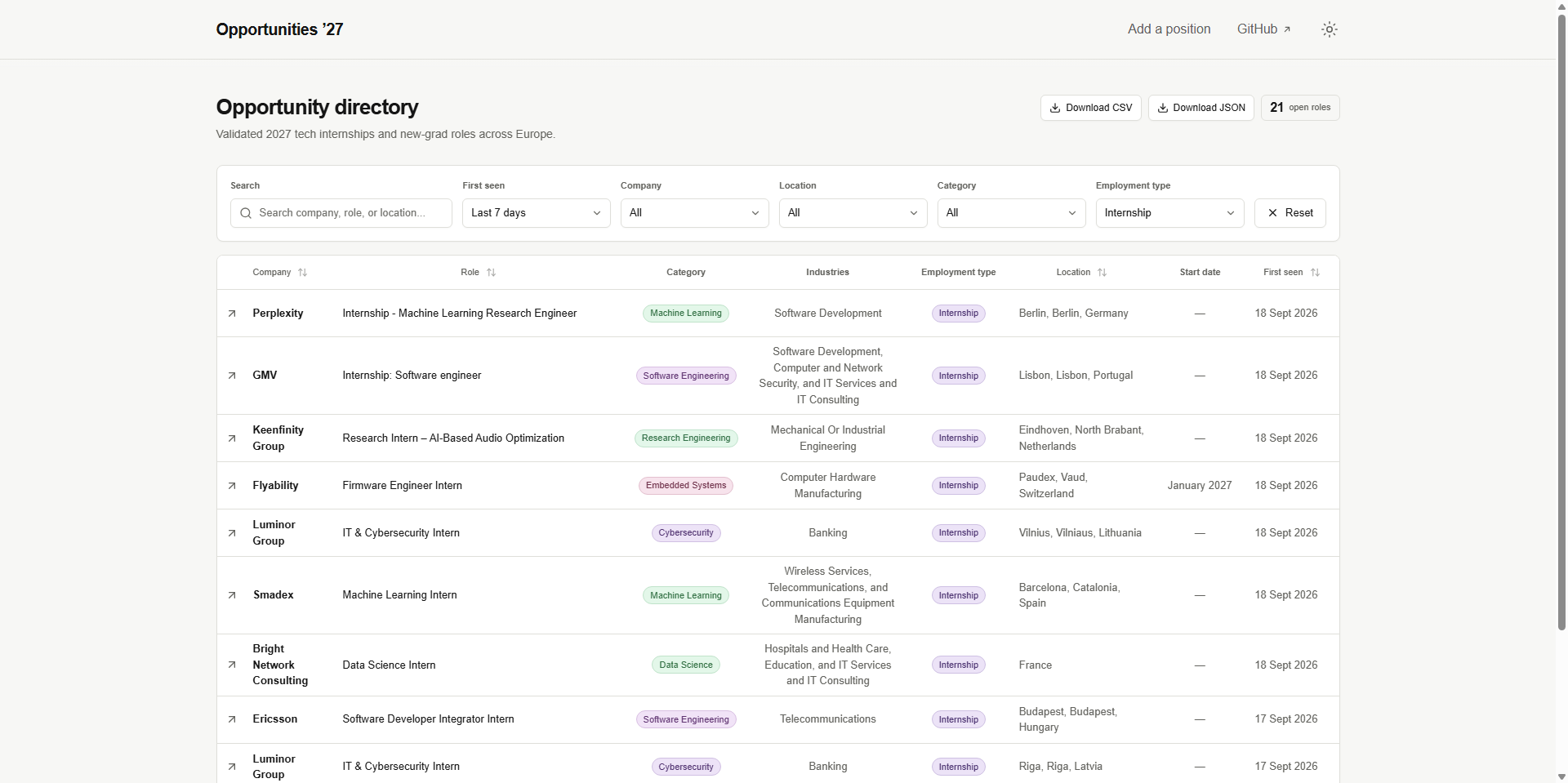
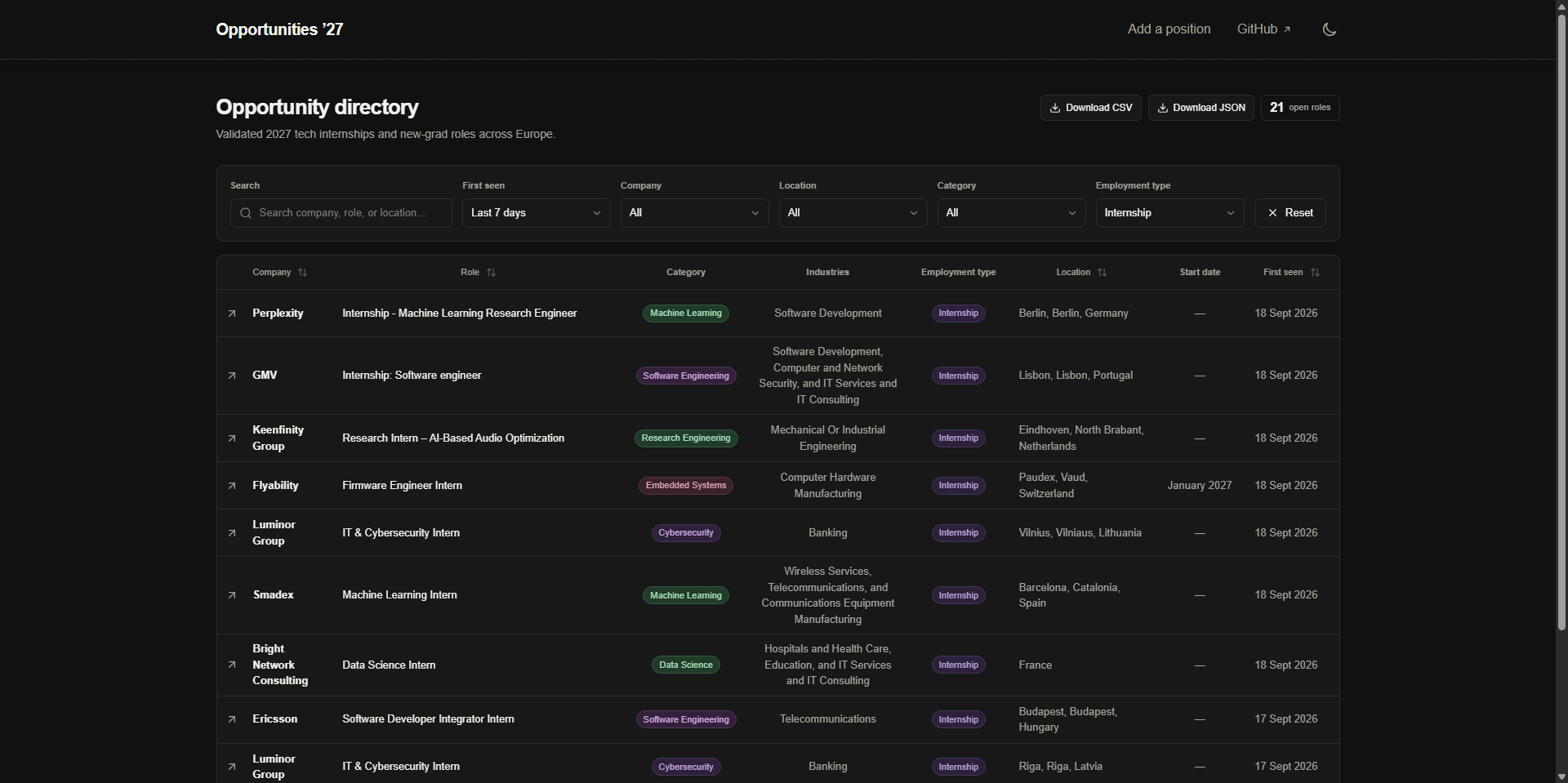
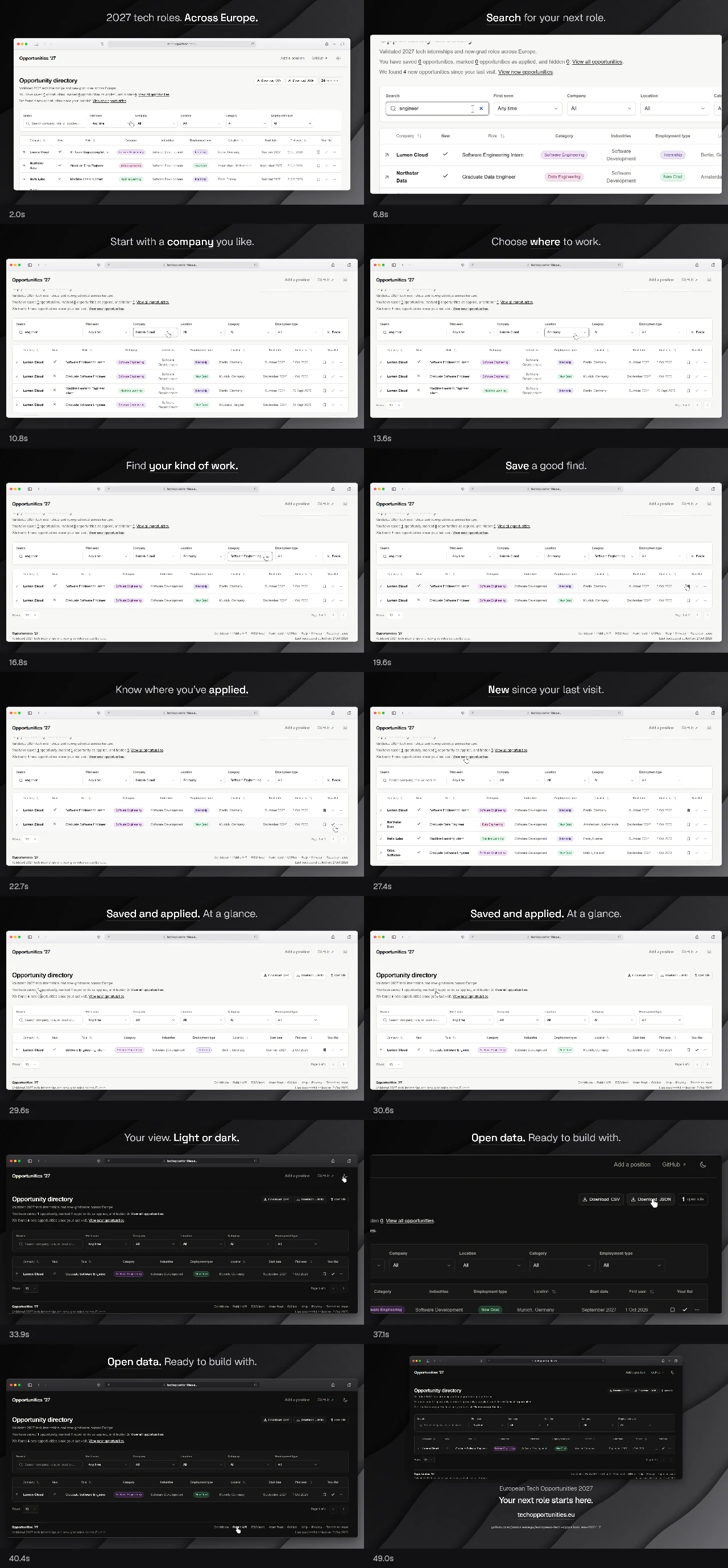
Repository maps
The diagram guide explains the repository, collection/lifecycle, website/publication, automation/deployment, and foundations views. Rendered files live under diagram/svg/; Mermaid source owns their labels, relationships, styling, and regeneration settings.
Edit the source, regenerate the affected SVGs, and check labels, group-heading clearance, code links, and accessibility metadata. Keep the SVGs self-contained: no scripts, embedded HTML, external resources, or private data. These detailed maps support the handbook; product-showcase media has separate ownership.
Promotional film
Watch the film · View the contact sheet · Maintain or recreate the video
The film uses the real production-built interface with 24 fictional listings and browser choices. The Safari-style toolbar, cursor choreography, headlines, and camera are illustrated/editorial elements, not native Safari footage or human-recorded pointer input. There is no burned-in demo label; retain this disclosure with every published copy. Saved/applied marks are browser-local, and marking applied does not submit an application.
The video maintenance guide explains how to recover the source, rebuild and edit the film, treat its audio, and verify replacement files. It also includes the approved timeline and descriptive transcript. Only the final MP4 and static contact sheet accompany that guide here; the editable renderer, captures, local player, and poster remain in a separate authoring bundle.
Use normal playback controls without autoplay when embedding the video, and keep the contact sheet and transcript available as alternatives.
Third-party media notice
The film's soundtrack is “Minimal Corporate Atmosphere” by RoyaltyFreeMusicStudio, available on Pixabay under the Pixabay Content License. The full terms govern its use.
The license permits free commercial and non-commercial use, modification, and synchronization with this promotional video, subject to its prohibited uses and any applicable third-party rights. Attribution is appreciated but not mandatory. Optional credit: “Music: Minimal Corporate Atmosphere by RoyaltyFreeMusicStudio via Pixabay.” The recording is not MIT-licensed, CC0, public domain, or open-source software. Code and documentation remain under the repository's MIT license; source-bundle fonts retain their SIL Open Font License notices.
Standalone redistribution of the original MP3 is prohibited. The recording is therefore excluded from the repository and public documentation. For video production, download the original from Pixabay and keep it in private authoring storage. The music is distributed only as part of the 51-second promotional film.
The track is Content ID Registered, so automated claims may occur even for licensed use. Keep the source page and any download/license certificate available from Pixabay as evidence of authorized use. Licensing does not prevent automated claims or settle third-party rights disputes.
Reproduce the product tour
Note
This is a separate, older 25-second recorder, not the renderer for the 51-second promotional film above. Its demo/directory-tour.mp4, demo/directory-tour.webp, and demo/poster.webp outputs are not currently checked in. Add playback links or embeds only after those files exist and pass review.
The recorder uses the real, production-built application, not a mockup. All 12 listings and browser choices are synthetic. No live collection, production database, authenticated browser profile, or external browser request is used. The caption and synthetic-data label are recording overlays, not product features. The planned 25-second tour has no audio.
| Time | Demonstrated action / caption |
|---|---|
| 0–3s | Find your next tech role in Europe |
| 3–6s | Type a role search |
| 6–9s | Filter by company to narrow the result set |
| 9–14s | Save a role and open the private shortlist |
| 14–17s | Mark the shortlisted role applied |
| 17–21s | Reset public filters and view roles new since the previous visit |
| 21–25s | Switch to dark mode; visit techopportunities.eu |
When publishing the tour, link the lightweight animation to the MP4 and offer the poster and transcript as no-motion alternatives. The MP4 supports normal playback controls when opened in a browser or the GitHub media viewer.
Reproduce safely
Install the local development toolchain, then:
uv sync --frozen --dev
cd site
bun install --frozen-lockfile
bunx playwright install chromium
bun run build
node scripts/record-demo.mjs
cd ..
The recorder creates fixed-clock synthetic SQLite through real Alembic migrations and Repository methods, then produces downloads through the real Python exporter. Fixture data lives only in ignored site/tests/e2e/.tmp/demo/. It starts the standalone app on loopback port 3200 with explicit synthetic paths, clears release-root overrides, disables production analytics with a loopback origin, and blocks every off-origin browser request. Close any fixture readers before regeneration. Browser context and server are closed afterward.
Raw video, timeline, screenshots, and diagnostics stay in ignored quality-reports/demo/. Do not commit that folder. The normal E2E fixture uses the same generator, but relative timestamps so request-time recency tests stay meaningful.
With FFmpeg 7.1 (libx264 and libwebp support), from the repository root:
mkdir -p docs/assets/demo
ffmpeg -y -sseof -26 -i quality-reports/demo/directory-tour-raw.webm \
  -t 25 -vf 'fps=20,scale=1280:720:flags=lanczos' \
  -c:v libx264 -crf 25 -preset slow -pix_fmt yuv420p \
  -movflags +faststart -an -map_metadata -1 docs/assets/demo/directory-tour.mp4
ffmpeg -y -i docs/assets/demo/directory-tour.mp4 \
  -vf 'fps=8,scale=960:540:flags=lanczos' -c:v libwebp_anim \
  -quality 65 -compression_level 6 -loop 0 -an -map_metadata -1 \
  docs/assets/demo/directory-tour.webp
ffmpeg -y -i quality-reports/demo/poster.png -vf 'scale=1280:720:flags=lanczos' \
  -c:v libwebp -quality 82 -map_metadata -1 docs/assets/demo/poster.webp
Trim the short browser-startup lead-in; the scripted journey holds for 26 seconds. Check the beginning/end after every re-recording. The final files remove creation metadata and include no audio. Target budgets: MP4 <1 MiB, animated WebP <1 MiB, poster <100 KiB. Inspect the complete playback, text readability at README width, crop, clicks, duration, and final call to action before replacement. Validate docs links after encoding.
Publication safety
All new product captures must use synthetic data and a fresh browser context. Never add cookies, authenticated HTML, résumés, private environment details, or production snapshots. Prefer compressed final media over raw recordings.